iPhone or iPad
- Open the app link in Safari.
- Tap the Share button.
- Scroll and tap Add to Home Screen.
- Tap Add, then open Breemaia from the new icon.

Already invited?
If Breemaia has approved your email for the controlled preview, open the app on your phone, enter that approved email, and request a fresh sign-in code there. If you are on desktop, scan the QR code with your phone.
App preview
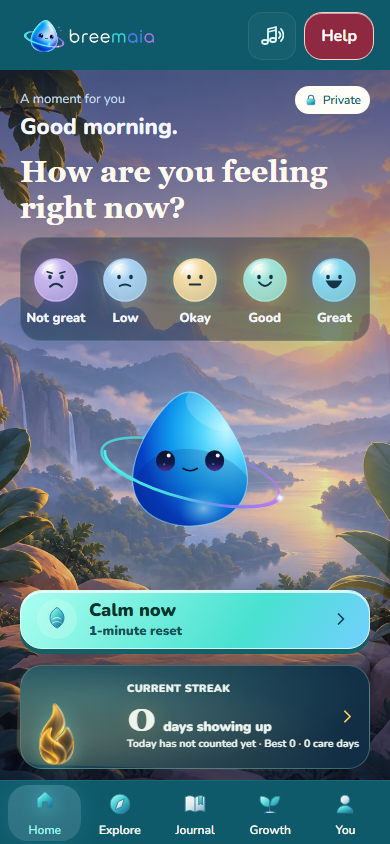
Breemaia is still invite-controlled. The link opens the app preview; approved people enter their approved email and request a fresh sign-in code inside the app.
Launch the app
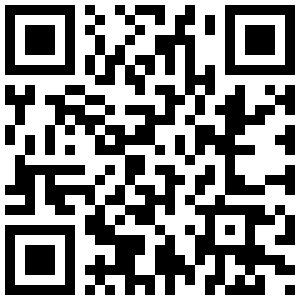
On desktop, scan with your phone camera.
app.breemaia.com/mobileInstall on your phone
You can also just use Breemaia in the browser. Adding it to the home screen makes it feel more like an app.
Already testing?
The short feedback form adapts for young adult testers ages 19–24, parents or guardians, professionals, and friends or colleagues.
Safety boundary
Breemaia is not therapy, diagnosis, medical care, or emergency response. If there may be immediate danger, use real support now.
The young-adult tester questionnaire is currently for invited testers aged 19–24. This is narrower than the 18+ self-request eligibility for access. Parents, professionals and friends or colleagues use their respective feedback paths.